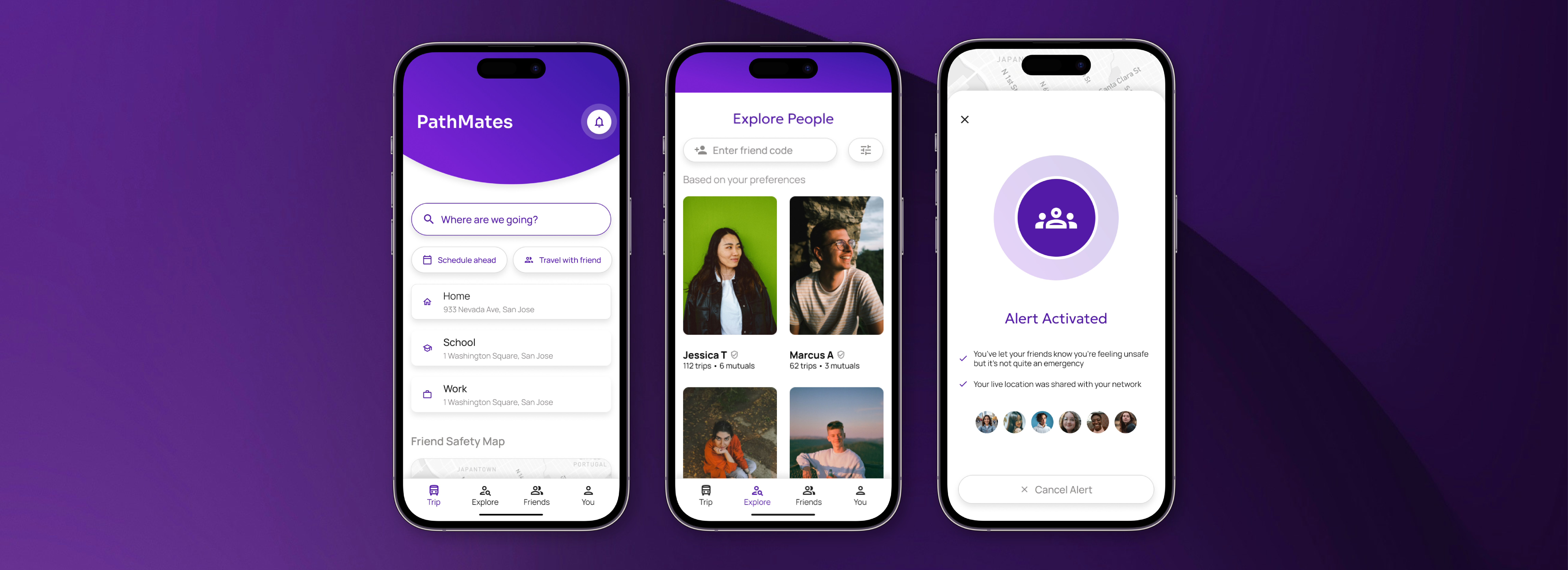
PathMates
I designed a mobile app that combines carpooling and public transportation for students to feel safer and make new friends.
Context
Solo Student Project
Timeline
Sep - Dec 2025 (10 weeks)
Highlights
Students Avoid Transit Over Safety
Students cite safety as the driving factor against using public transportation. PathMates gives them someone to travel with and provides safety tools tailored to their situation.
Students are busy, so their social lives suffer
Students report being too busy to socialize and make friends. With PathMates, students can claim back their time by utilizing their commutes to travel with a new friend.
Context
Initial Observation
Attending San Jose State University, located in the downtown of a major city, I have seen firsthand just how unsafe public transportation can be.
After white paper research, I learned that groups most at risk of harassment on public transit are women and students who travel at night in a downtown college campus.
This sparked a vision: a platform that combines public transportation and carpooling to improve student safety.

Initial Research
I conducted 7 user interviews to understand student commuters' current thoughts, feelings, and experiences with public transportation and safety. Here's what I found.
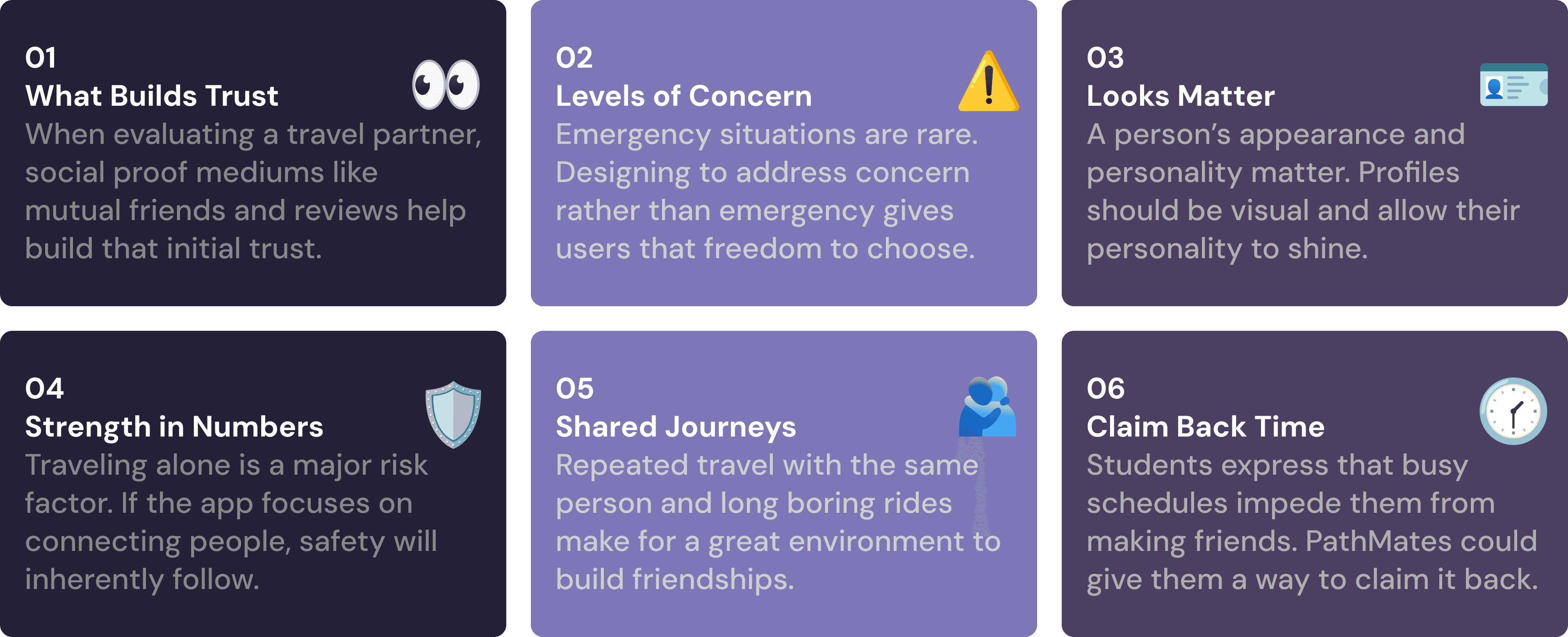
As a forming concept in my mind, I wasn't sure what to focus on in terms of scope.
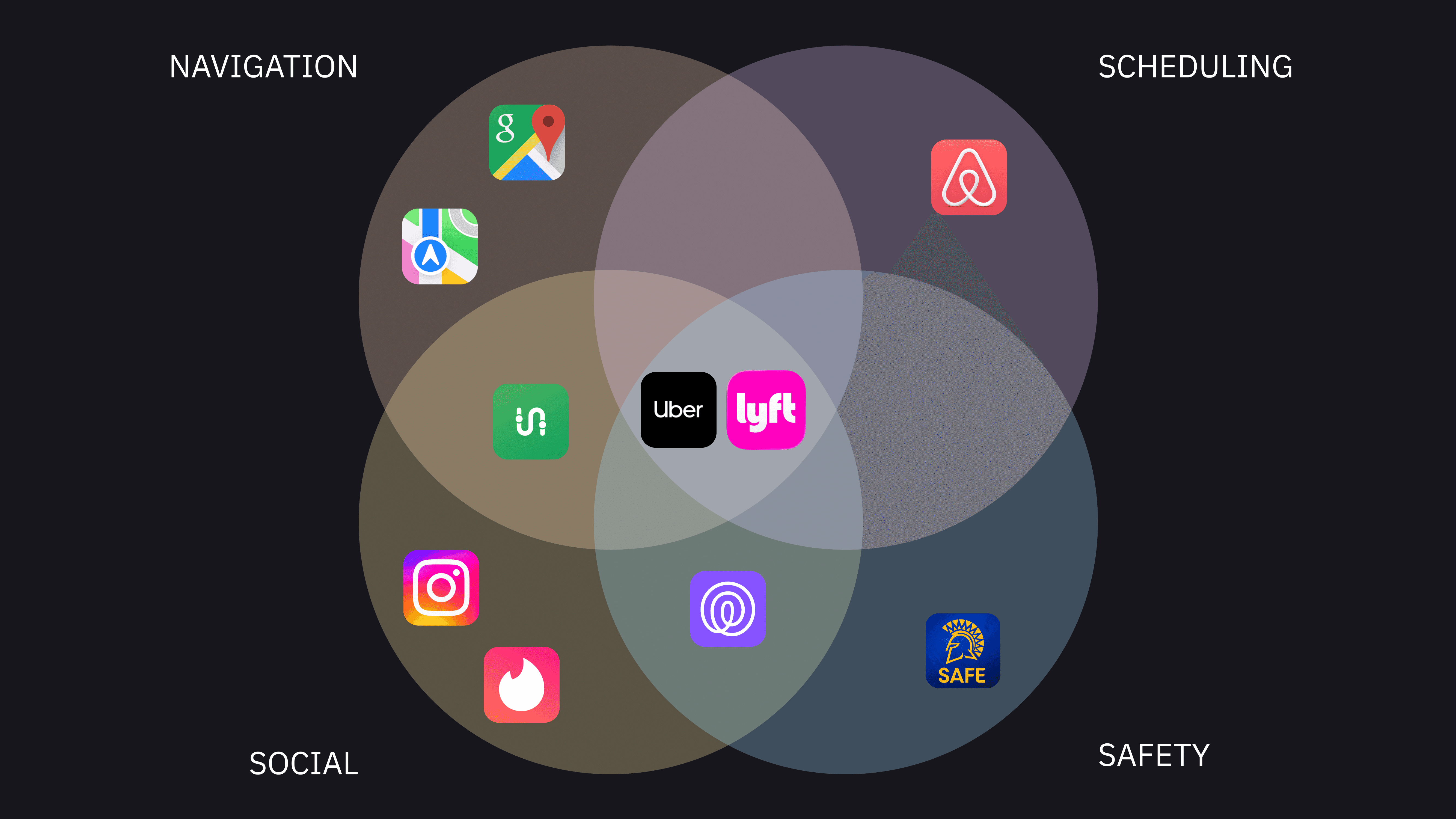
Initial Scope
At first, my scope was large and included four areas, which made competitive analysis difficult.
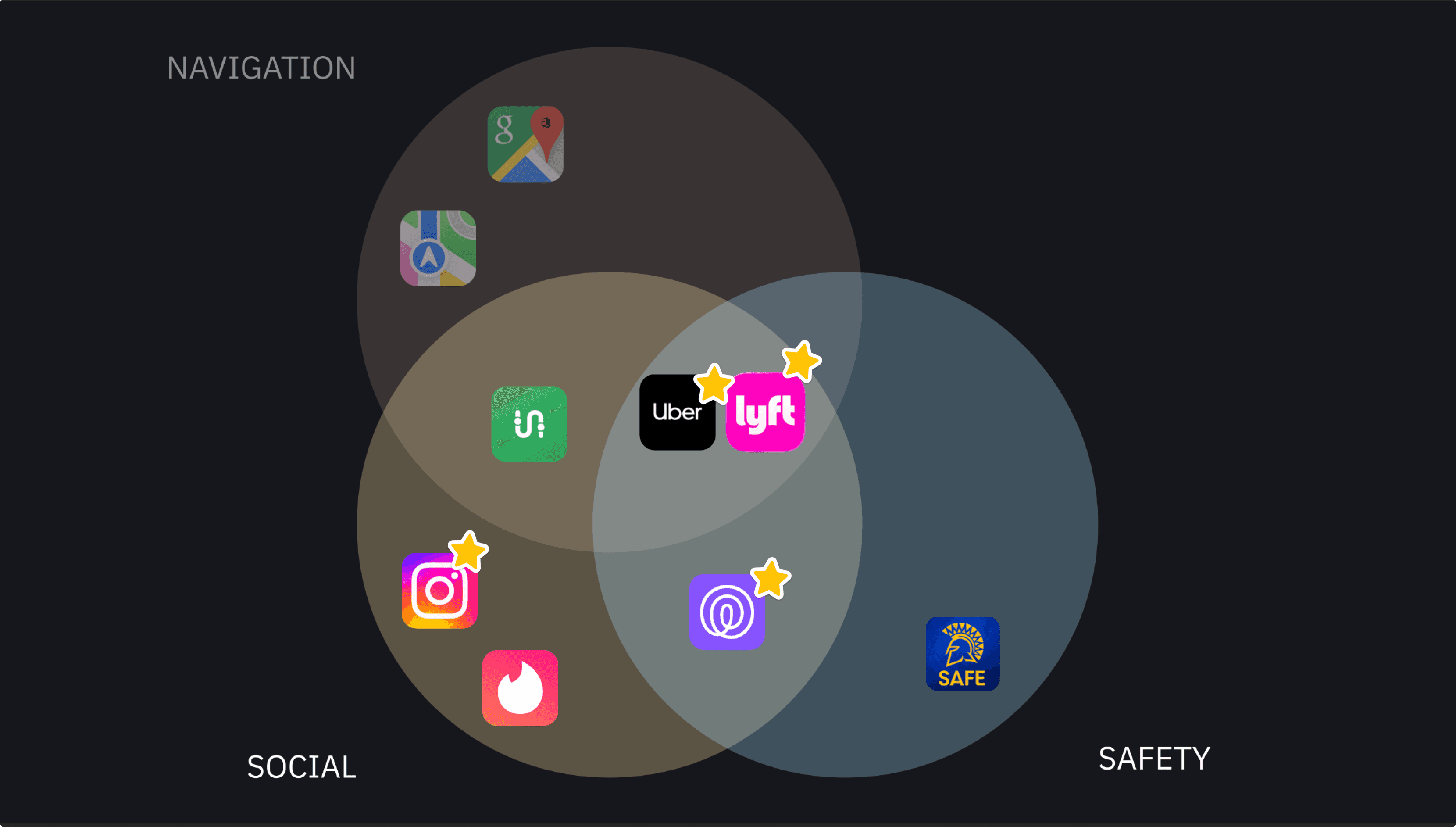
New Scope
After doing my exploratory user interviews, I was able to narrow down the scope and really focus on specific services.
With the new scope defined, I conducted a competitive analysis of key players.
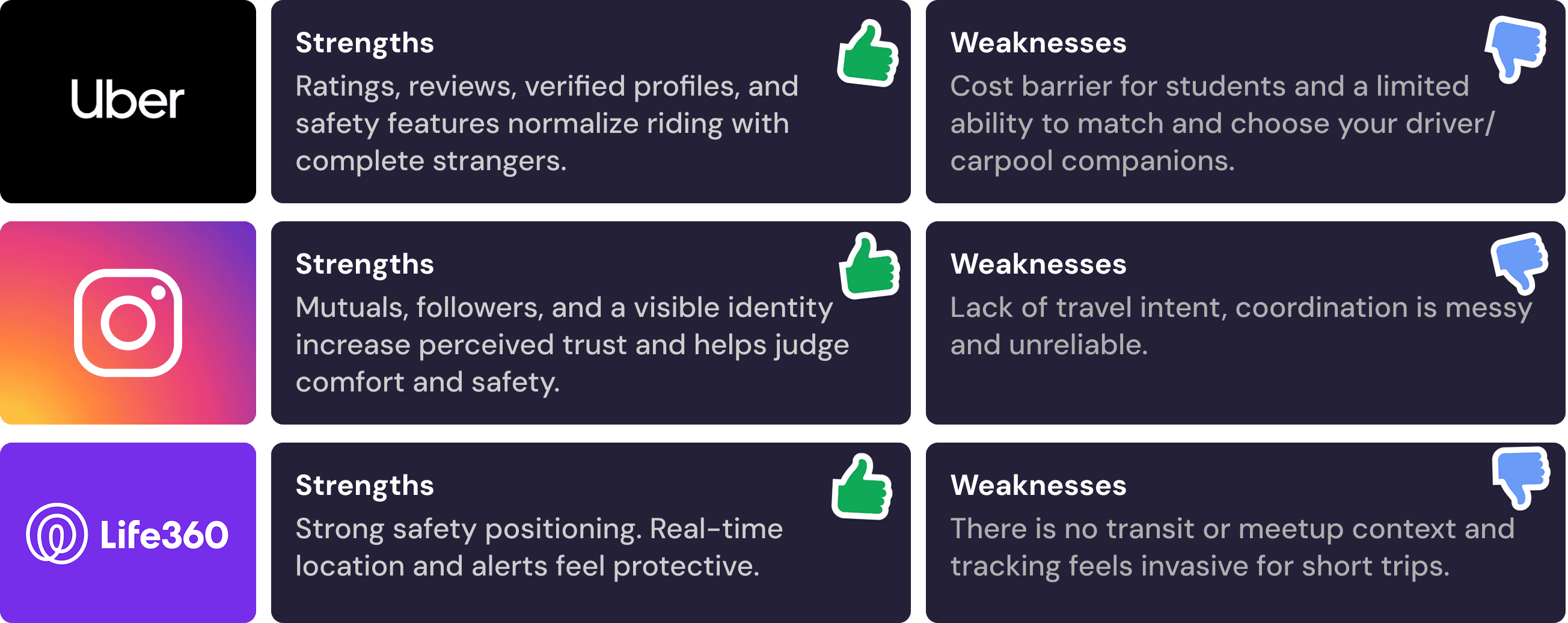
Research Synthesis
To move beyond surface level pain points, I framed what users would really try to achieve using PathMates through Jobs to Be Done.
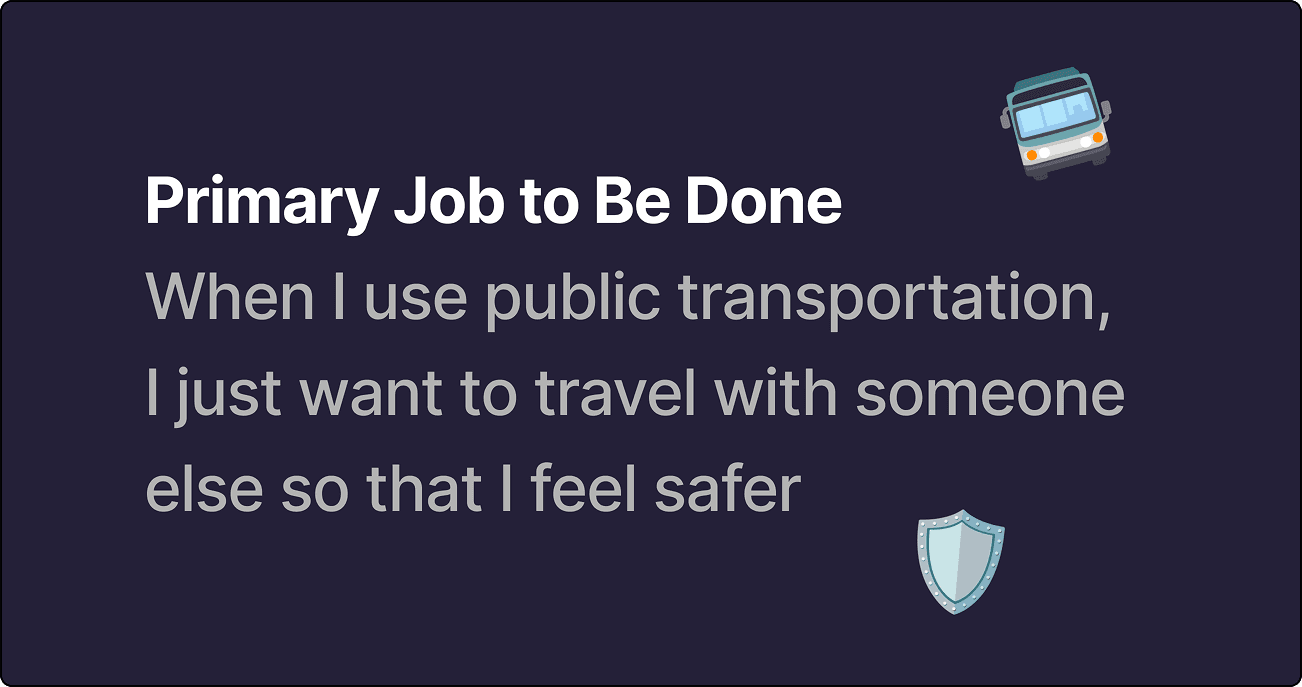
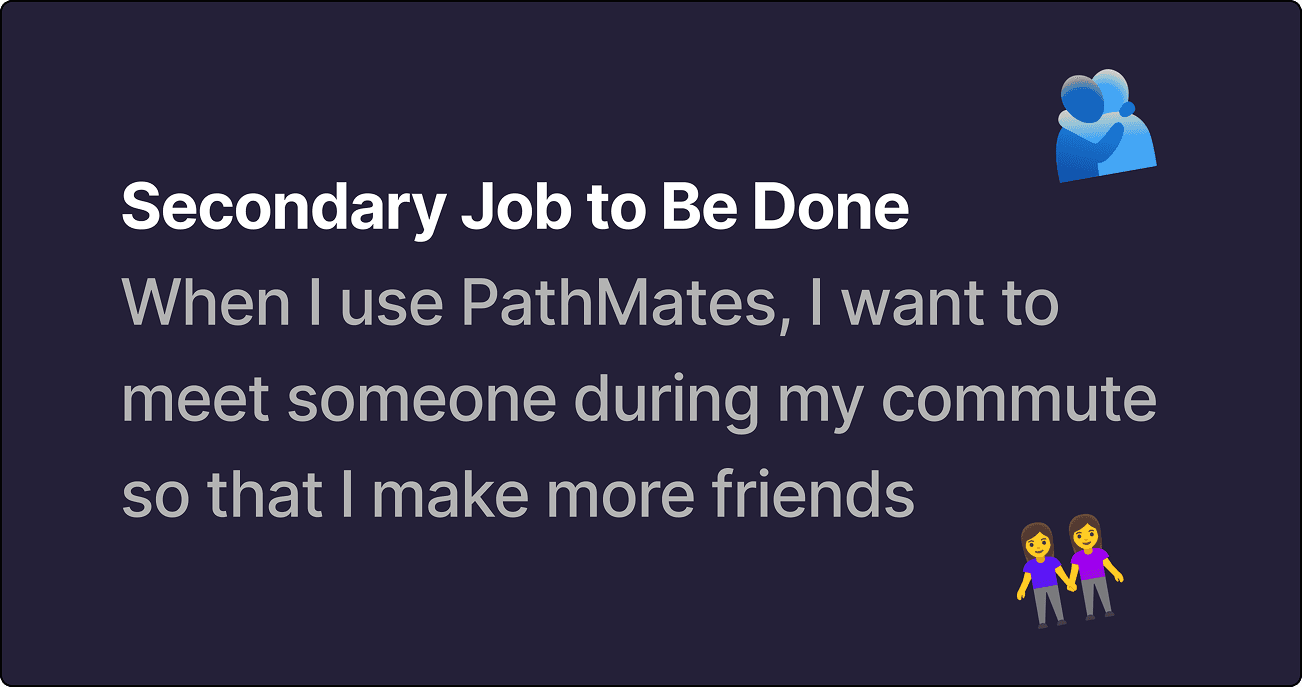
To humanize the data, I imagined what an ideal user who would benefit the most from using PathMates would look and act like.
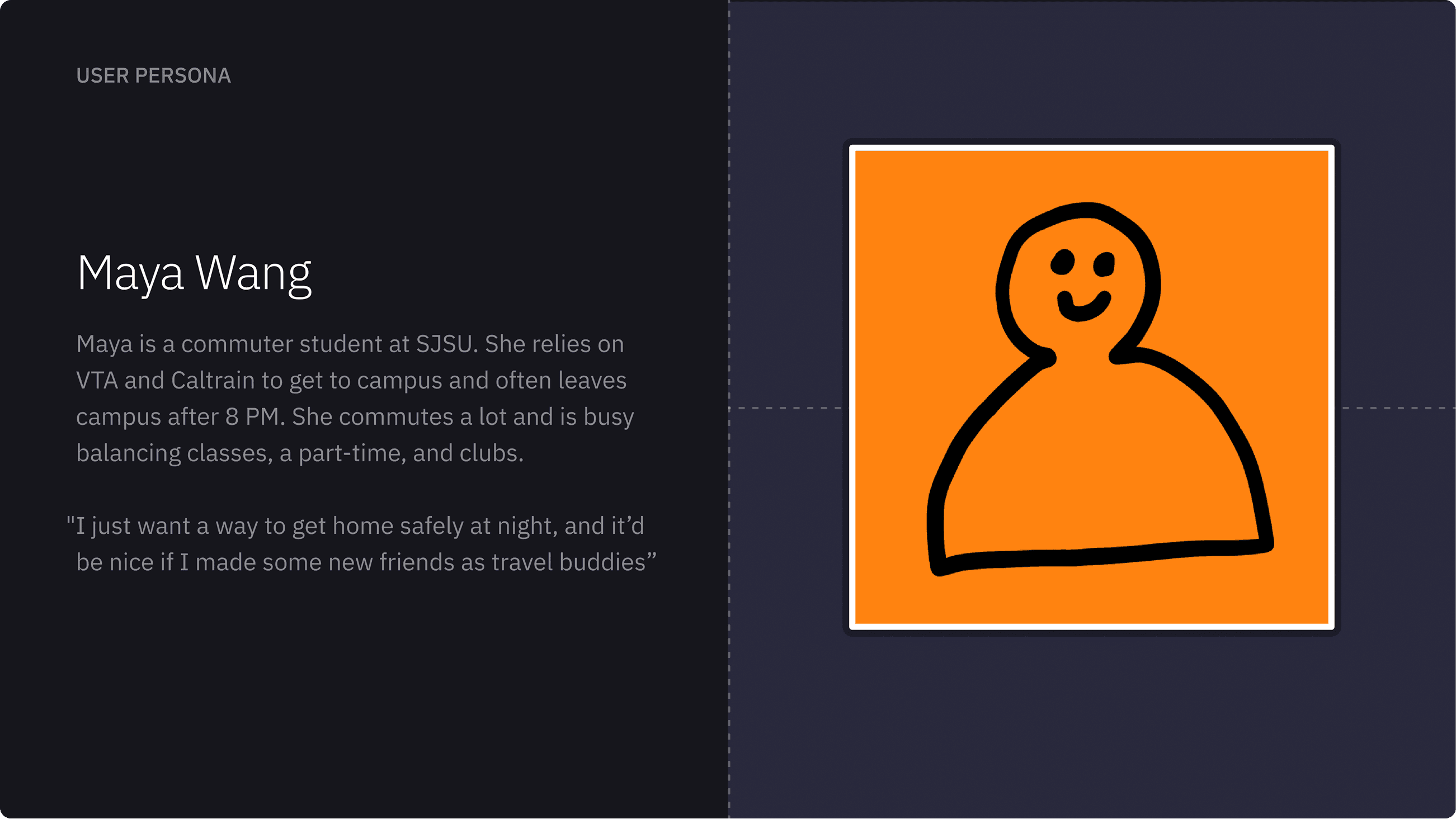
The JTBD statements and persona became guiding perspectives that I could keep in mind to design for and what solutions might make them feel safer.
Ideation & Exploration
With my research in mind, I focused on a core user flow that assumes the user has already set up their profile, gone on trips, and has an existing network.
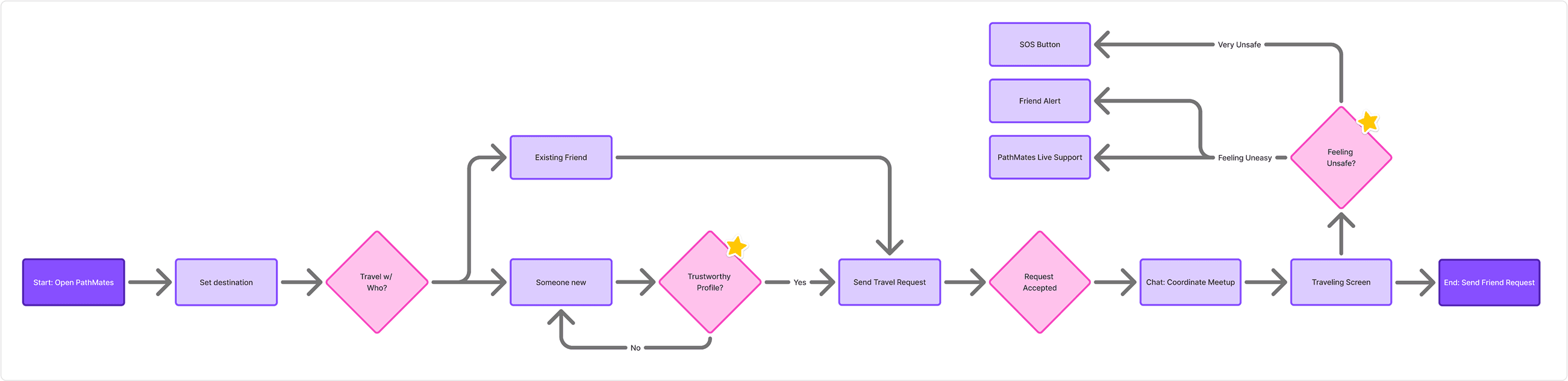
When setting up the flow, I starred user profiles and safety features while traveling as core areas to explore during ideation.
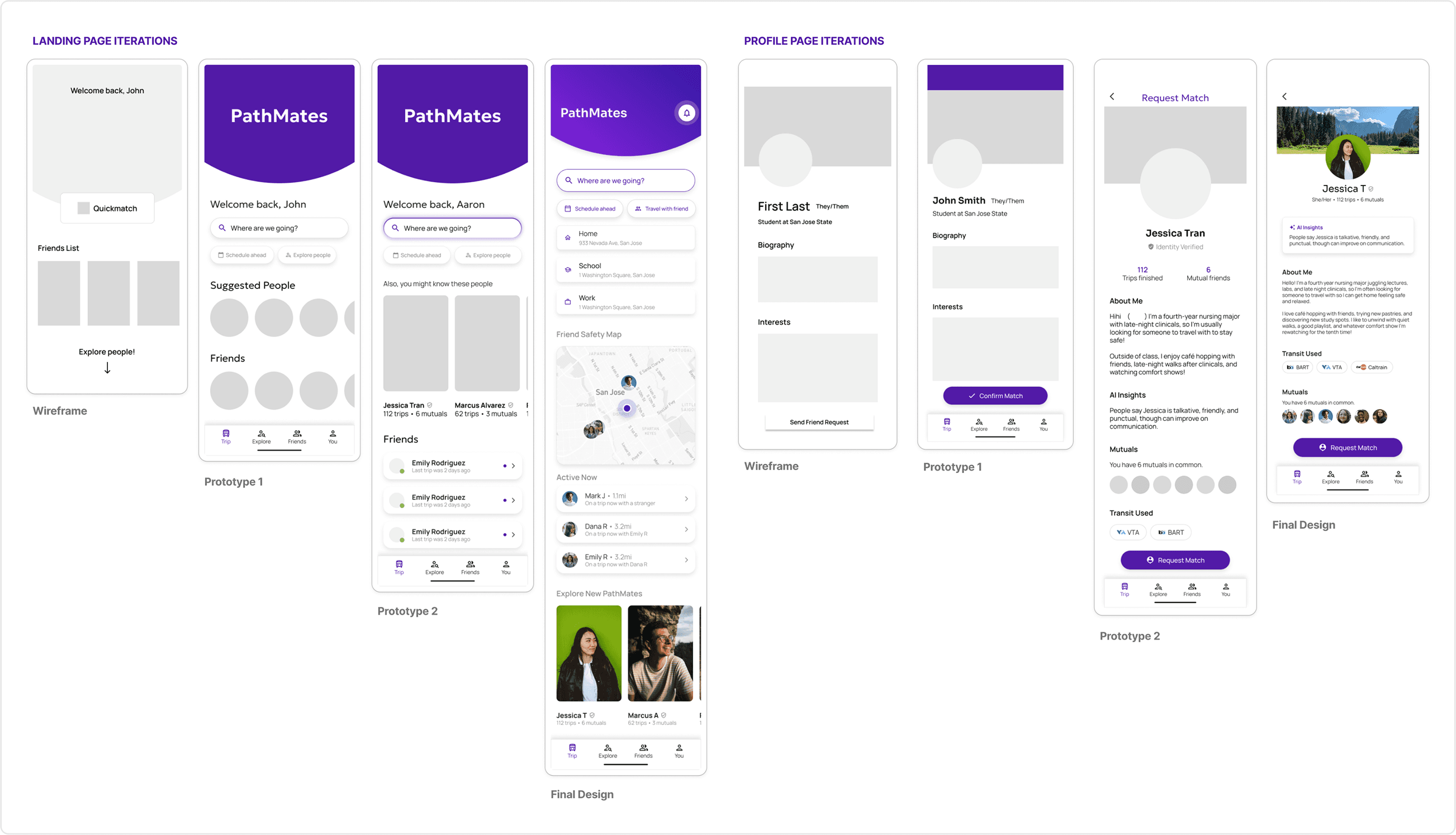
With the flow built out, I created low-fidelity prototypes. I used these prototypes to go to users and peers to test and get feedback, creating iterations as I continued.
With more users and testing sessions, I was able to iterate and explore design solutions. See below how two core pages were able to evolve from feedback.
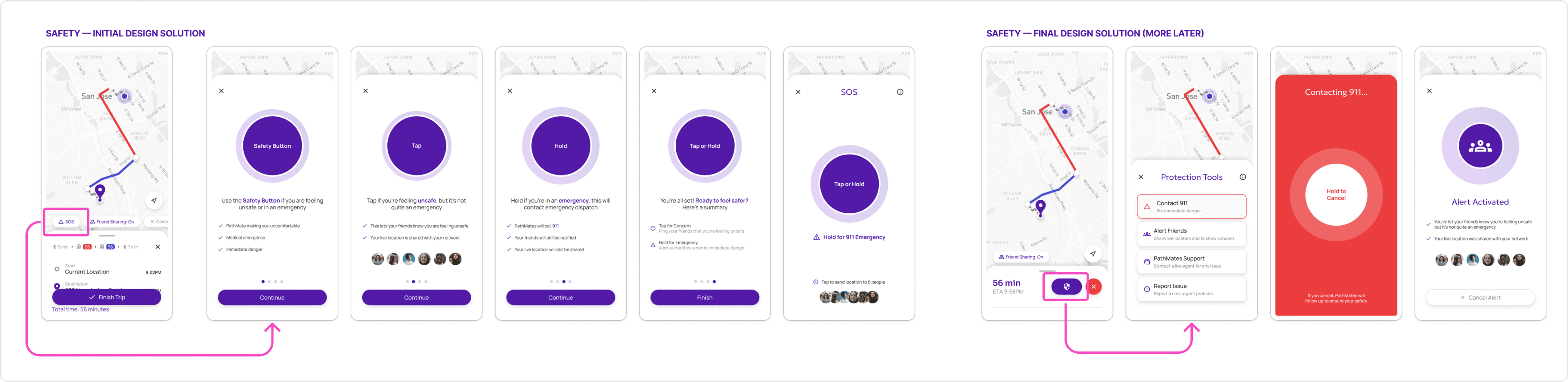
Many existing safety tools only offer emergency calls, which users felt excessive for most situations. User interviews showed a need for flexible and lower stakes safety features.
Design Solution
Initially, I tested an SOS Button with an onboarding process. But through testing and feedback, I realized it was overcomplicated. Instead, I opted for a concise safety menu where users could quickly see their options laid out.
Final Design
Travel Safer
Students feel unsafe, but rarely do they feel seriously unsafe. The Protection Tools Menu helps you pick the right option for your situation without escalating the situation more than necessary.
Make New Friends
Commute trips are long and boring. With PathMates, you can skim through profiles to gauge compatibility quickly. And you can find a travel buddy who helps you reclaim your social life amidst a busy college schedule.
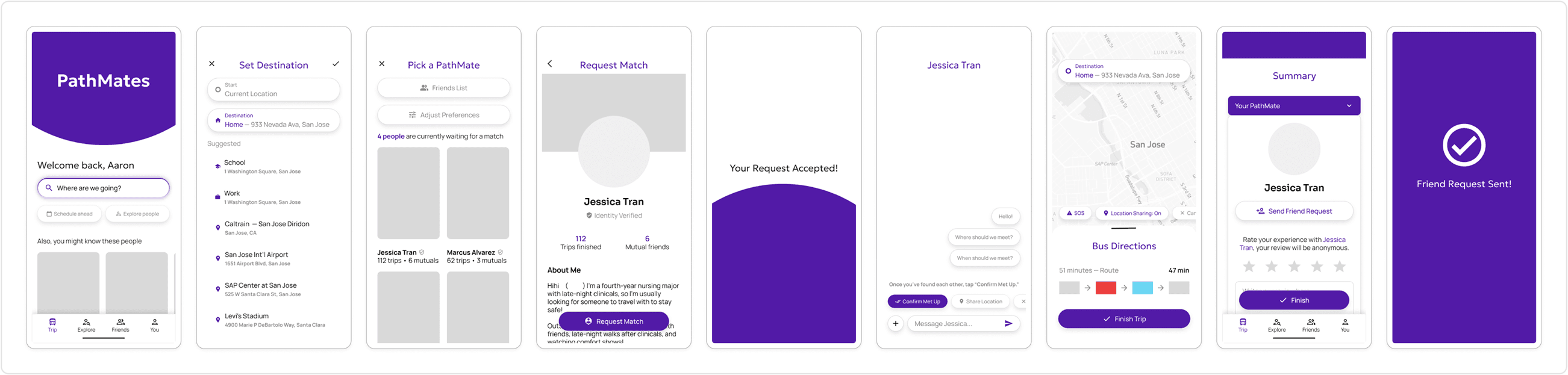
Full Prototype Flow
For the full flow, imagine you're a student who got out of a night class and just wants to get home. You're feeling unsafe and want to travel with someone. Want to see the prototype for yourself? Check it out here!
Reflections
Ambiguous Start
This project evolved significantly. I started with only a rough idea. Clarity came from talking through unfinished work and testing early concepts with peers and users. As I heard the same feedback surface again and again, it became clear what actually mattered and what the app needed to focus on.
Letting Patterns Lead
While this case study presents a clean narrative, the real process involved navigating uncertainty and letting consistent feedback shape the final direction. In the end, I learned how to let patterns lead design decisions.

